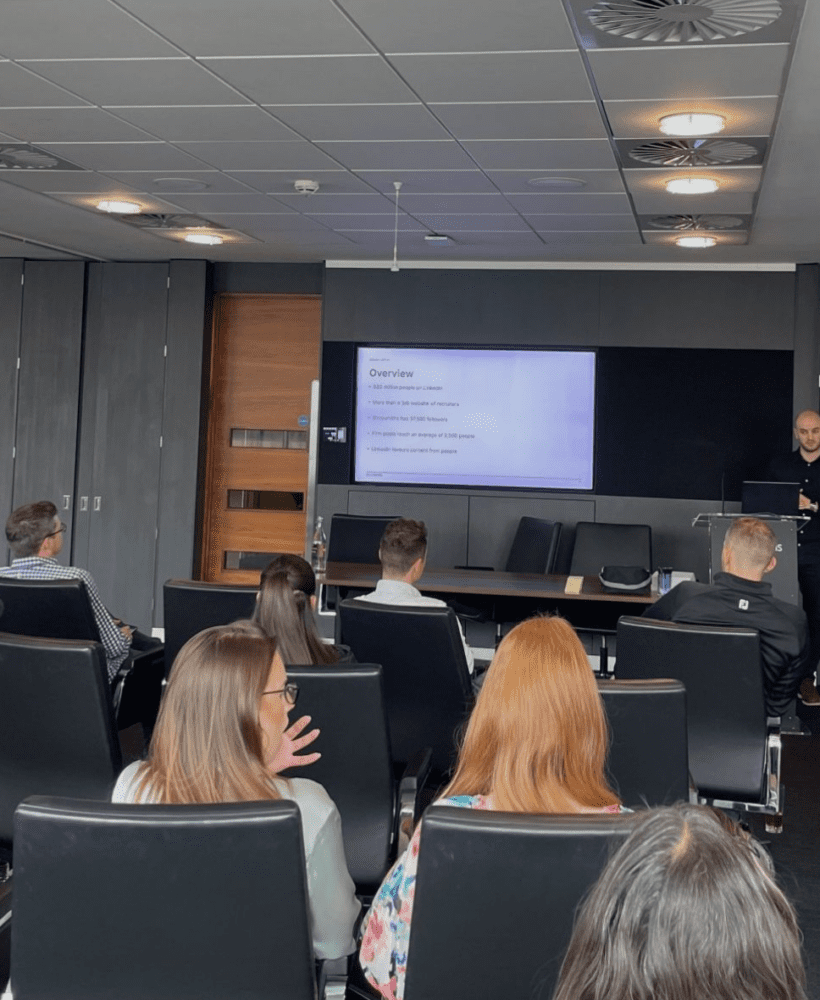

Here’s what we do to make that content go further.
Make it social-first
Remove the need to leave the social media platform, as LinkedIn and the like do not want you to leave their app/site.
So, instead, create…
- Long-form text post: First, create a long-form post with an image using the text from the website.
- Short-form text post: Then, break that long-form post down into short, more digestible posts.
- Carousel: Finally, create a branded carousel, including stand-out quotes and images.
Change the post wording as necessary, to make each post unique.
Video
If you have the resource and buy-in to take it to the next level, create some video content.
- Long-form video: Use your blog content to create a long-form video. Use a video editing tool to add captions, and make it as engaging as possible.
- Short-form video: Then break that long video down, just as you did with the long-form text post, to create short-form video clips.
Bonus: Employee advocacy
If you’re a business with a number of employees, this part is for you.
- Email the content out: Send your blog and associated content to all relevant employees for them to post on their LinkedIn pages.
Include suggested wording and an image, if needed.
The result
We followed this format for a client and here are the results…
Text with link to website:
Impressions > 3,500+
Engagements > 200+
Long form text with image:
Impressions > 5,000+
Engagements > 300+
Branded carousel:
Impressions > 3,000+
Engagements > 800+ (~600 swipes)
One news story = three company page posts + several employee posts
Picking up 10,000+ impressions and 1,000+ engagements from the company page, then a whole load more impressions and engagements from employee posts.
You have the short-form posts on top of that. And also video, if you have the resource and buy-in.
All of that, over time, will lead to new conversations and opportunities.
Optimising your blog content for LinkedIn
- Remove the need for people to visit your website
- Create long-form and short-form text posts
- Create a branded carousel with the highlights
- Create video, if you have the resource and buy-in
- And empower your employees to post on LinkedIn


Repurposing content for LinkedIn: FAQs
How many LinkedIn posts can I get from one blog article?
Typically three or more: a long-form text post, short-form posts, and a carousel. Add video and employee posts, and one blog can generate ten or more pieces of LinkedIn content.
Do I need a big budget to repurpose content for LinkedIn?
Not at all! Text posts and carousels can be created with free tools and video doesn’t have to be high production – a simple smartphone clip often performs just as well. Read our guide for other cost-effective ways to grow a company LinkedIn page.
What is employee advocacy and how does it relate to content repurposing?
Social media employee advocacy is when your team share and engage with your business content on their personal LinkedIn profiles. Distributing repurposed blog content to your employees is one of the easiest ways to amplify reach.